Library Cleaner

Delete your ChatGPT Library in bulk.

It deletes the files loaded on the Library page, reloads, and continues until none remain.

Coming Soon Privacy

Not affiliated with or endorsed by OpenAI.
Library Cleaner promotional graphic showing documents and a broom
What it does

Bulk cleanup without repeating the same steps.

Deletes in parallel

Removes the files found in the loaded Library group at the same time.

Keeps going

Reloads and starts the next group automatically.

Tracks progress

Shows the total deleted, current run, cycles, and runtime.

How to use it

Open, start, and leave the tab running.

1

Open Library

Go to chatgpt.com/library.

2

Press Start

Confirm that you want to delete the Library files.

3

Leave it open

The page reloads and continues automatically.
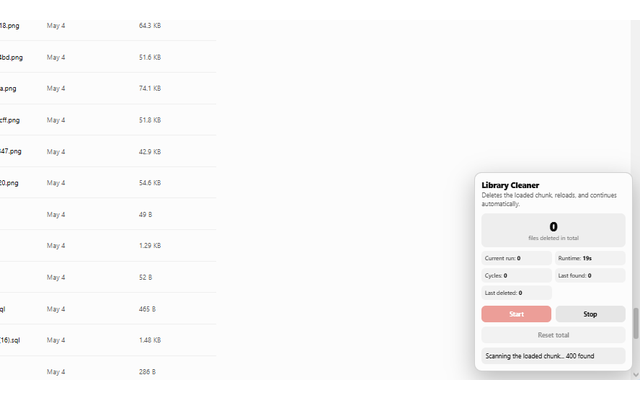
Interface

Simple controls and a running total.

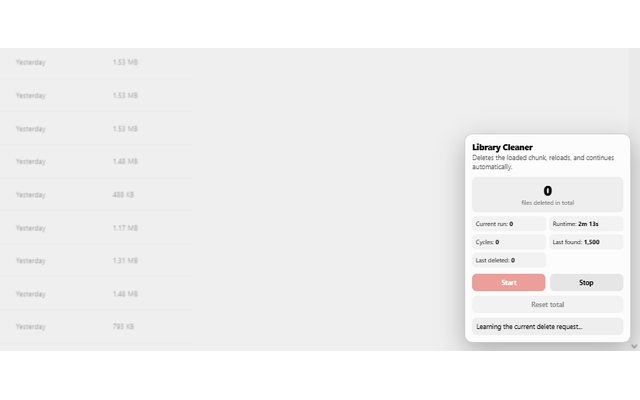
Library Cleaner scanning ChatGPT Library files
Scans the loaded files.
Library Cleaner preparing the current deletion request
Prepares the cleanup.
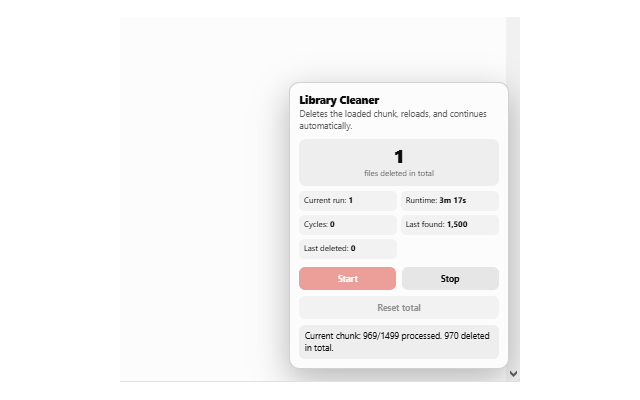
Library Cleaner deleting files in parallel
Deletes the loaded group.
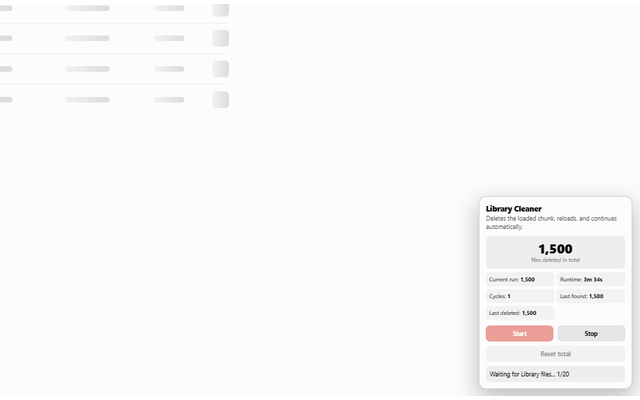
Library Cleaner showing the total number of files deleted
Keeps the total across reloads.
Privacy

Your data stays in your browser.

No developer server, ads, or analytics. Library Cleaner communicates with ChatGPT only to perform the deletion you start.

Privacy policy